WPS AI
WPS AI and Copilot inside your documents
AI that sits in the file, not only in a browser tab. Free accounts get a daily allowance. Heavy summaries and slide generation hit the ceiling first.
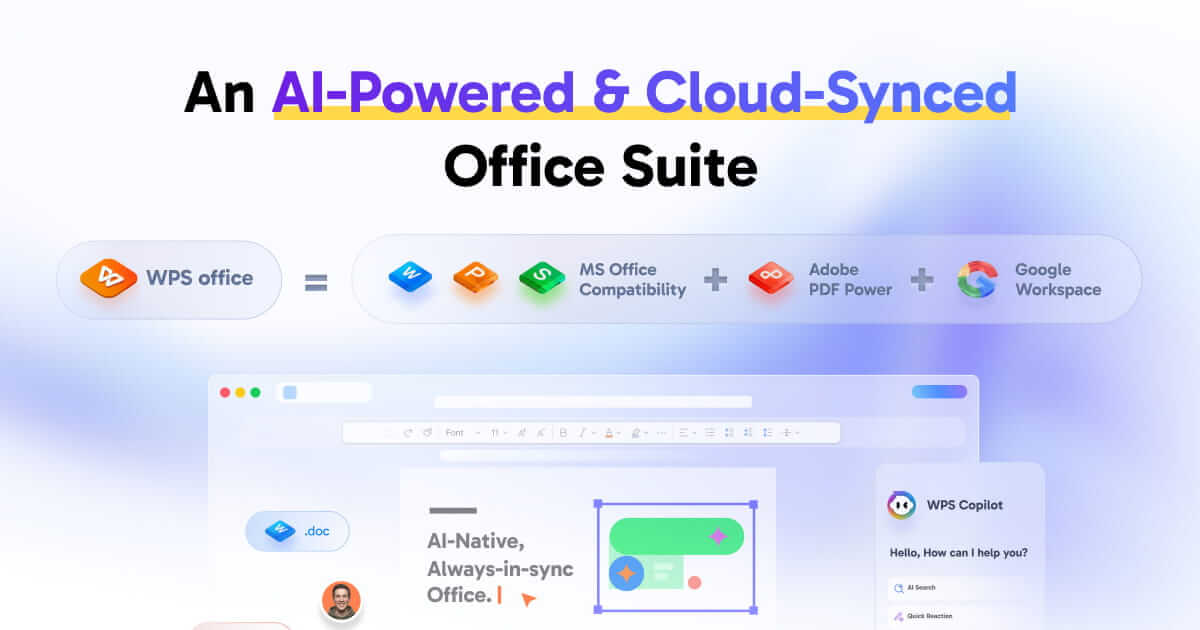
What WPS AI is for
AI Writer and spell check for essays and job posts. Side-by-side translation for Word and PDF. AI slides from a brief. Chat with PDF for long policies. Spreadsheet insights for a quick read of a table. Treat every AI number as untrusted until you check the source cells or paragraphs.
How to use it without wrecking a real document
Step 1
Work on a copy
Never let AI overwrite the only thesis file.
Step 2
Give a narrow prompt
“Shorten this paragraph, keep the three citations” beats “make it better”.
Step 3
Check every number and name
AI can invent a total or a statute. Open the source PDF page or spreadsheet cell.
Step 4
Watch the daily quota
Free caps hit first on long chats and slide generation. Premium raises the cap. Details change in the app.
Privacy and backend notes
Kingsoft used Amazon Bedrock for parts of overseas WPS AI. Do not paste secrets, passwords, or patient data into prompts if your workplace forbids cloud AI. Offline editing of local files still works. The AI features themselves need internet.
Related: Chat with PDF, AI slides, quota vs Premium.
Get the official WPS Office free download
Install from wps.com, then open a copy of a real file.
Download on wps.com