WPS Writer
WPS Writer: free Word processor for DOC and DOCX
Use Writer when a school or client sends a Word file and you do not have Microsoft 365. The ribbon is close to Word. Save back as .docx so they never have to install WPS.
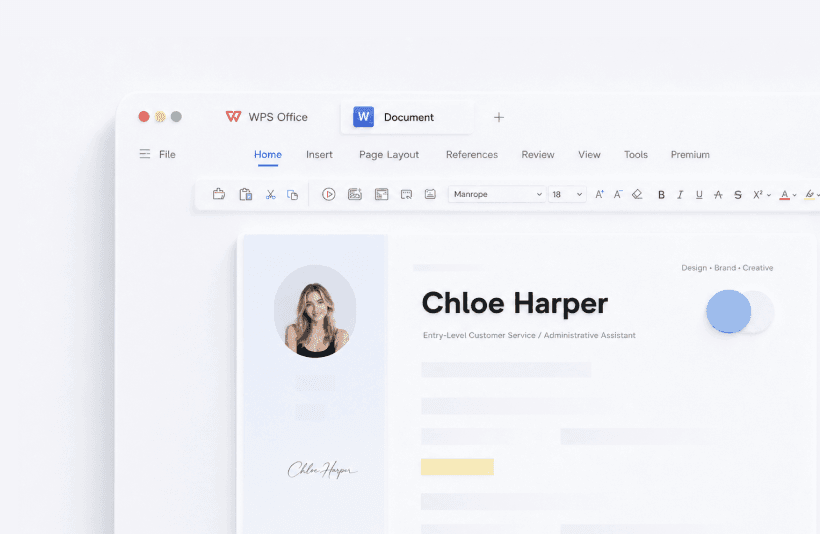
What WPS Writer is for
Reports, essays, CVs, contracts, and letters. Templates cover common layouts. Comments and track changes work for group work. Mail merge is available for labels and form letters. Spell check and WPS AI can tighten a draft. Always verify names, dates, and numbers after AI edits. Writer is the usual landing point for “free Word for Windows 10” searches.
How to open a Word file and send it back
Step 1
Open a copy, not the only original
File, Open, pick the .doc or .docx. If the file is important, copy it in File Explorer first.
Step 2
Edit with styles, not random font clicks
Heading 1 and Heading 2 keep a table of contents and a later Word user from fighting your layout.
Step 3
Save As .docx
Do not send only the WPS native .wps format unless the other person also uses WPS. Microsoft Word opens .docx.
Step 4
Export PDF when the layout must freeze
Use Writer’s PDF export for a committee copy. That is safer than a random website converter.
Formats
Opens .doc, .docx, .docm, .rtf, .txt, .html, and WPS .wps/.wpt. Macro-enabled .docm files can be sensitive: open a copy. If layout shifts on a complex thesis with many nested tables, keep the original in Word as well.
Problems people actually hit
- Comments look fine in WPS but a supervisor still uses Word: save .docx and ask them to open a copy.
- Crash during a long essay: turn on Auto Backup before you start. Recovery steps are on the unsaved files guide.
- AI rewrite changed a citation: undo, then edit the sentence yourself.
Practical tips
Turn on Auto Backup before a long essay. Use Track Changes when a supervisor will comment. Avoid sending only .wps. For templates, replace placeholder text and keep heading styles so Word still looks right.
Related: Spreadsheet, PDF export, templates, unsaved file recovery.
Get the official WPS Office free download
Install from wps.com, then open a copy of a real file.
Download on wps.com